Native AR where it counts
Flutter for the interface, Swift and ARKit for tracking — the video locks onto the print and stays there as you move.

AR app · iPhone + Web · 20
A free iPhone app and web studio that makes printed images play — point your phone at a print and its video plays right on top, anchored in place.
Visit live website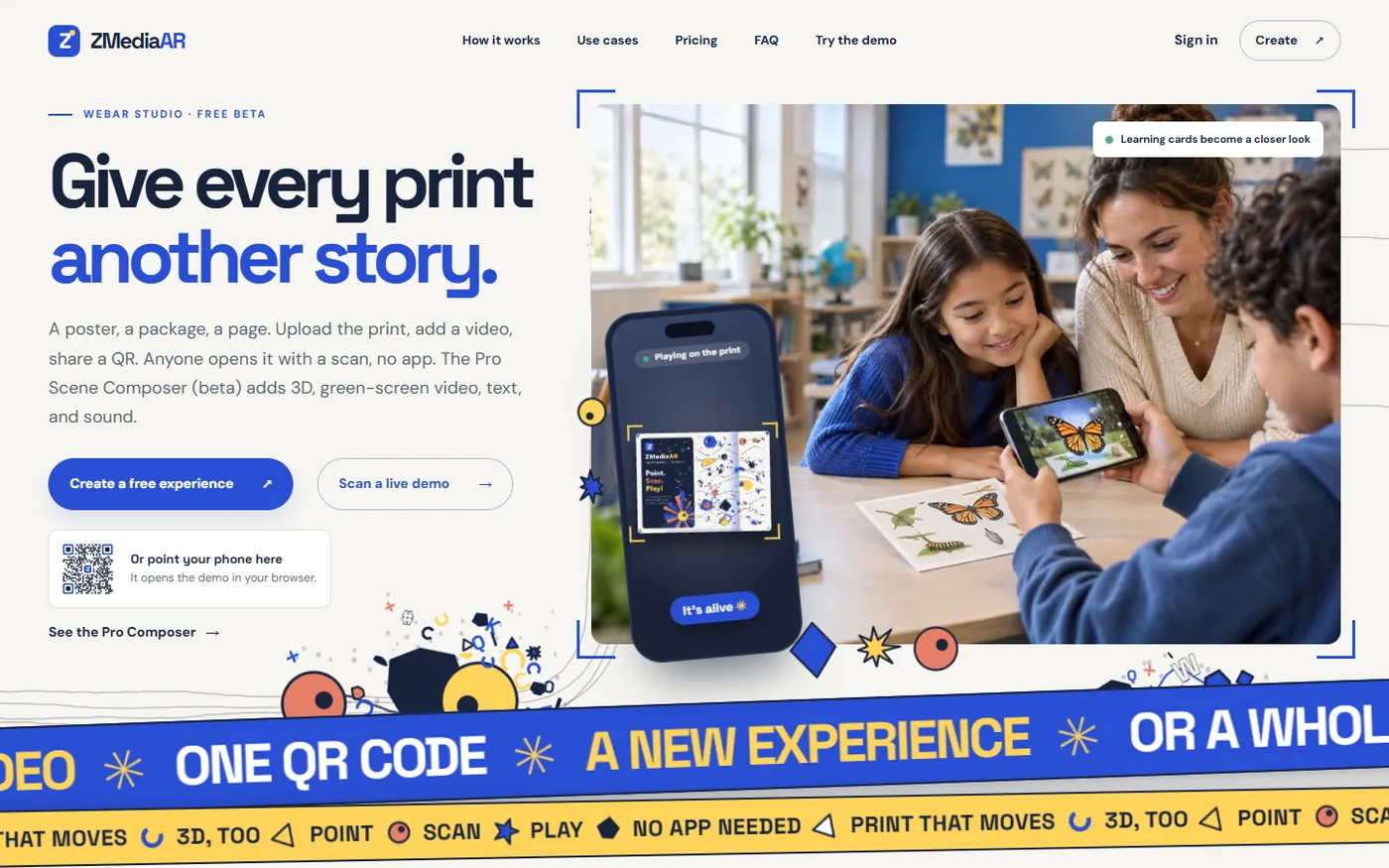

The brief
Most AR tools ask for an account, a heavy app or a specific vendor’s markers. WebAR needs no install, but browser tracking on iPhone is less stable than native ARKit — and people are wary of apps that ask for the camera and then track them. The viewer had to open in seconds, lock onto a real print reliably and be honest about privacy.
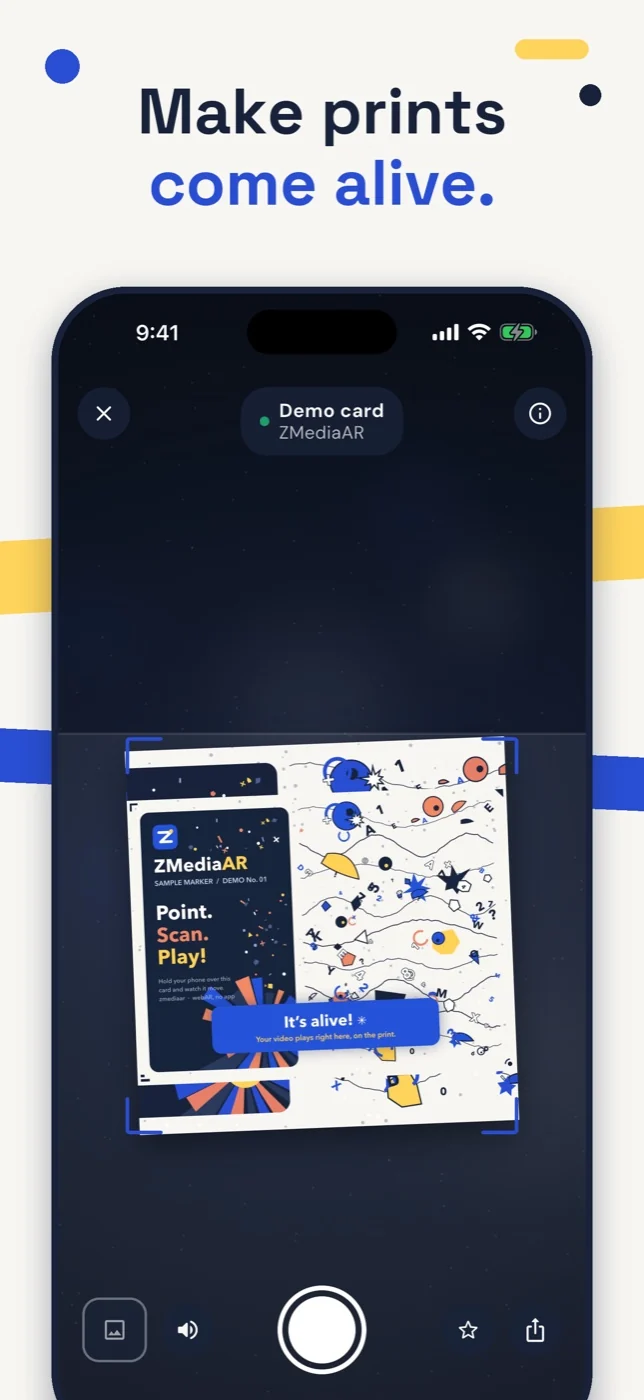
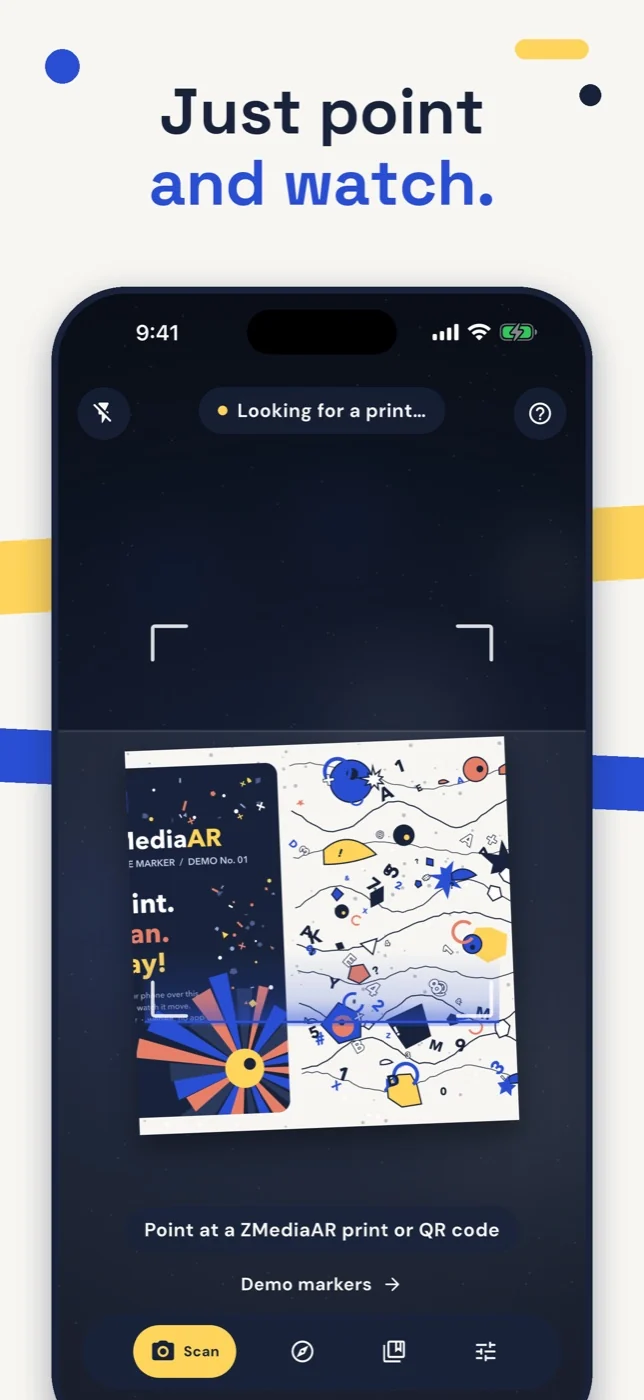
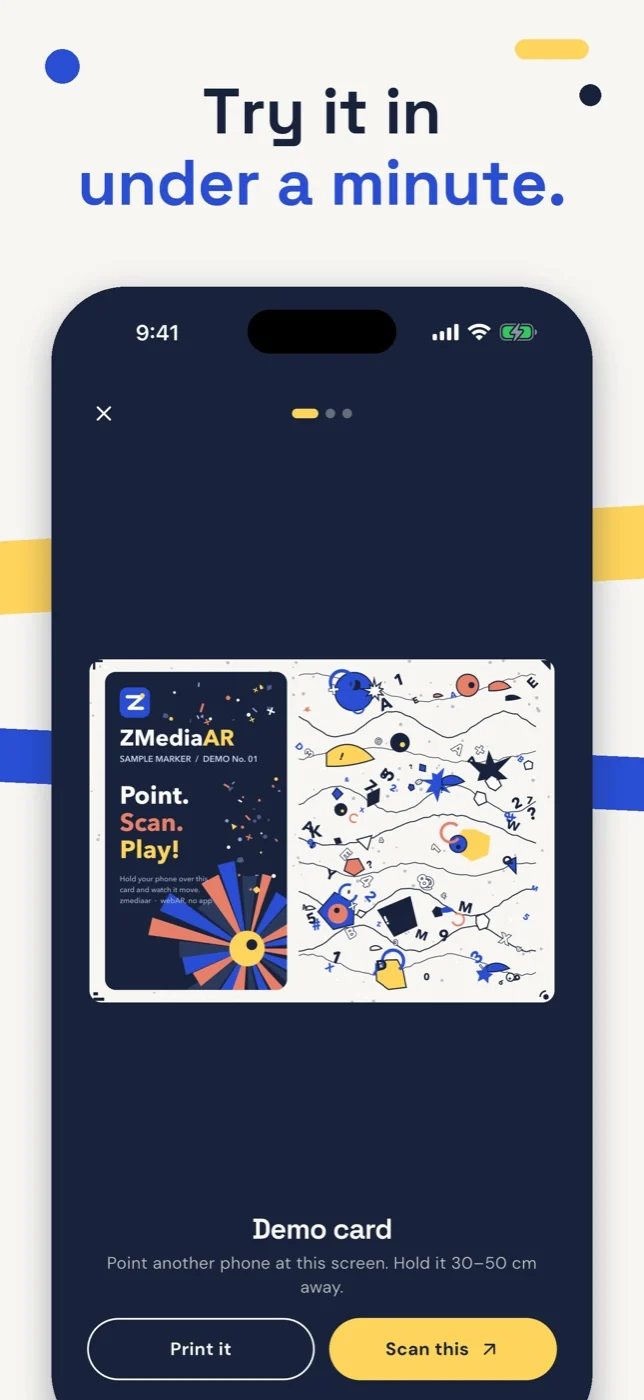
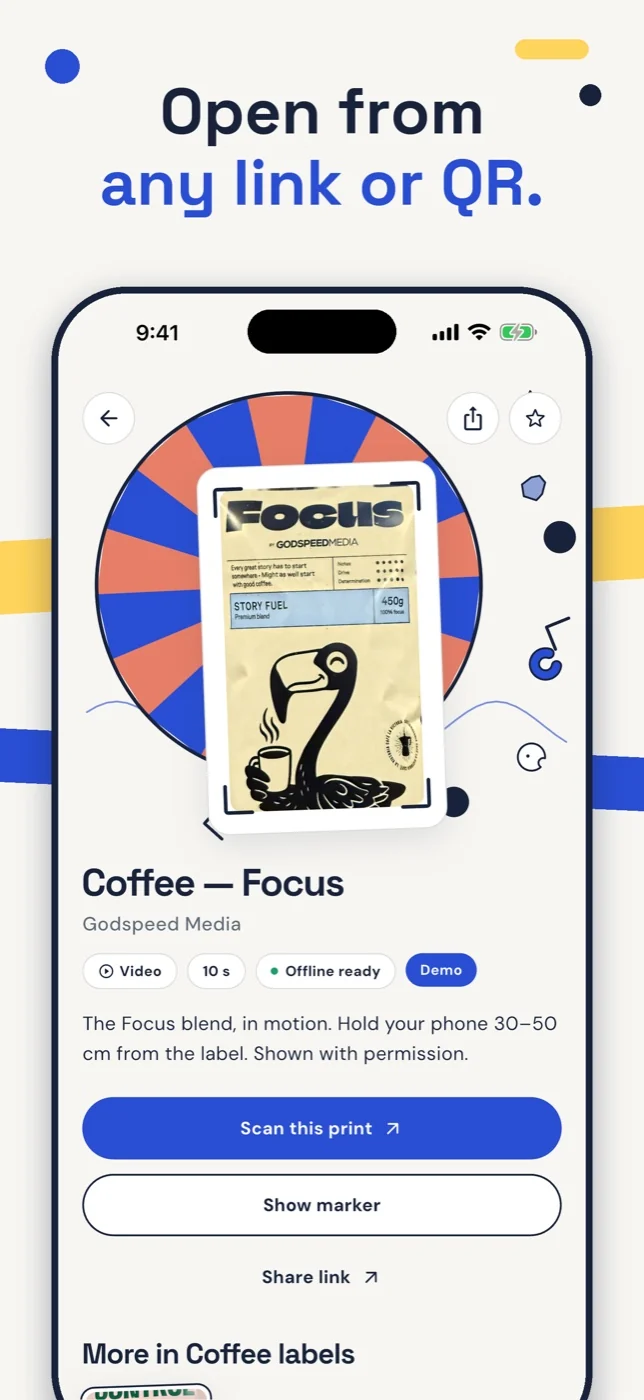
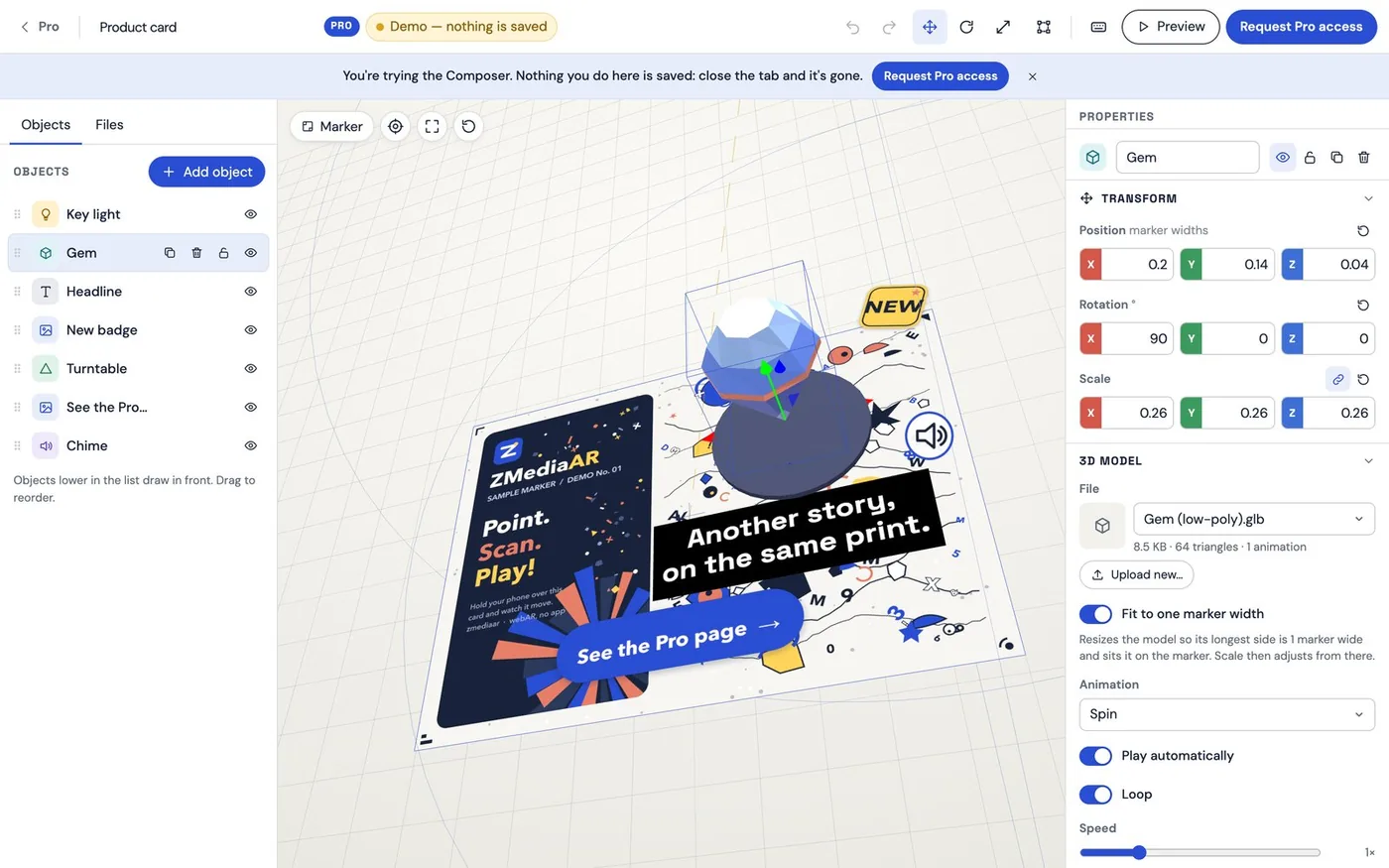
A two-part product. On zmediaar.com, creators upload an image and a video — or build a richer scene in the Pro Scene Composer — and get a link and a branded QR code that works in any browser. ZMediaAR for iPhone is a free native viewer: Flutter on the surface, Swift with ARKit underneath, so the video stays anchored to the print as you move, and zmediaar.com links open straight in the app.
ZMediaAR for iPhone
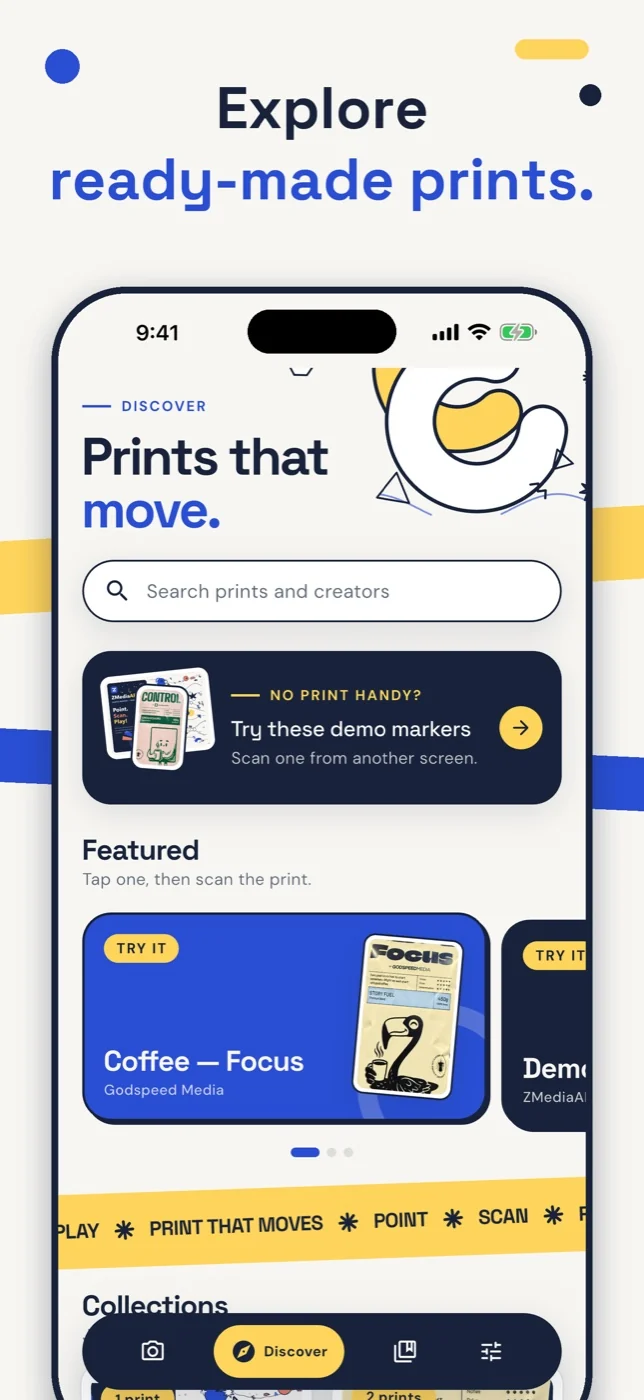
A free native viewer: no sign-up, offline replay for anything you’ve opened, and links or QR codes that open straight into the experience.
Scene Composer · Web app
Key decisions
Flutter for the interface, Swift and ARKit for tracking — the video locks onto the print and stays there as you move.
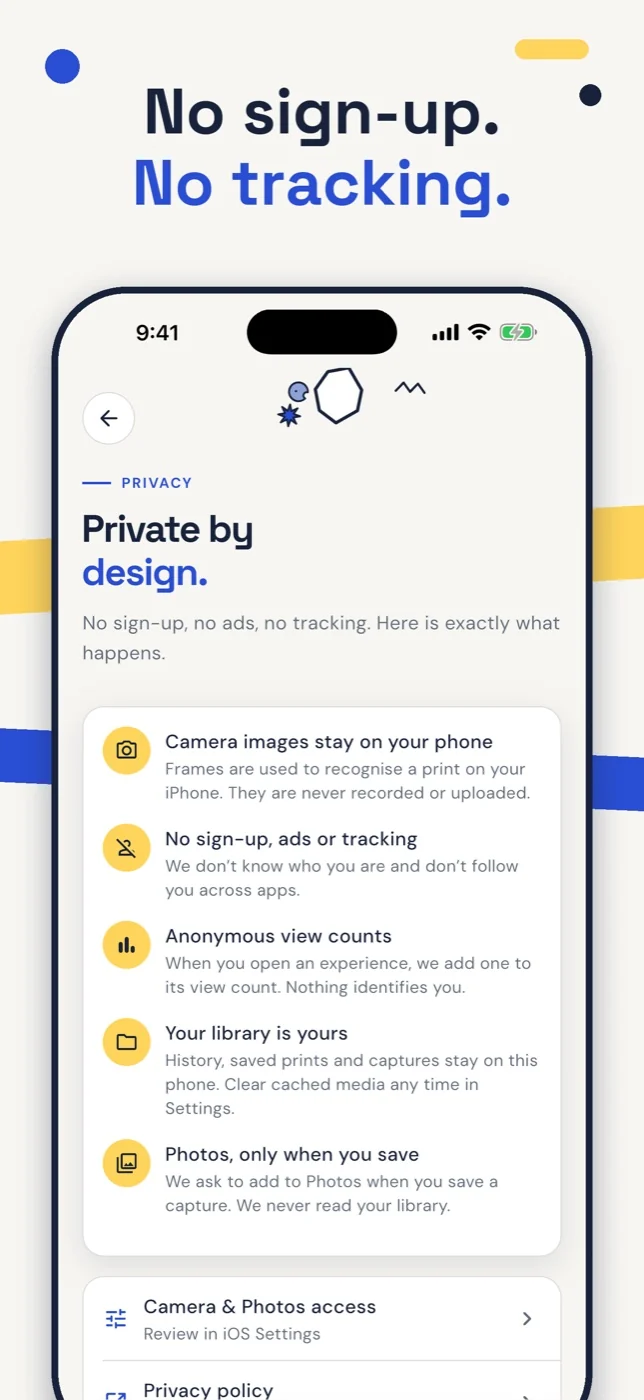
Camera frames are analyzed on the phone only. No account, no ads, no analytics SDKs, no tracking.
The website’s collage art, ribbons and type were ported to the app, with Dynamic Type, VoiceOver and Reduce Motion built in.
Next case study
Innera →Your project belongs here
Let’s talk about the portfolio’s next experience.
Start a project